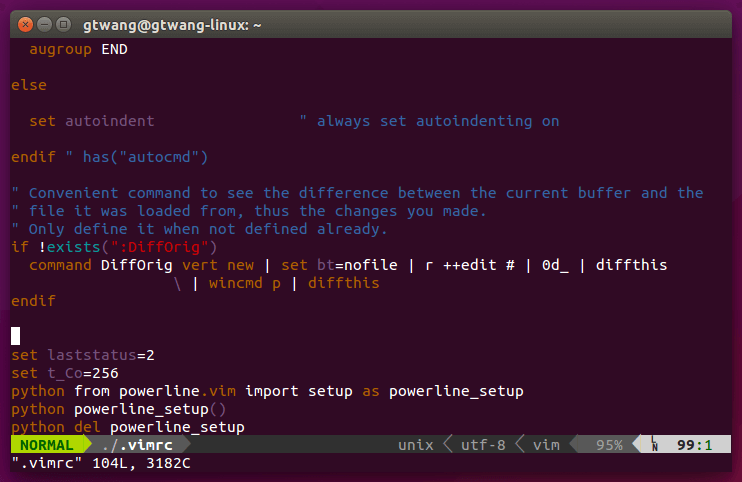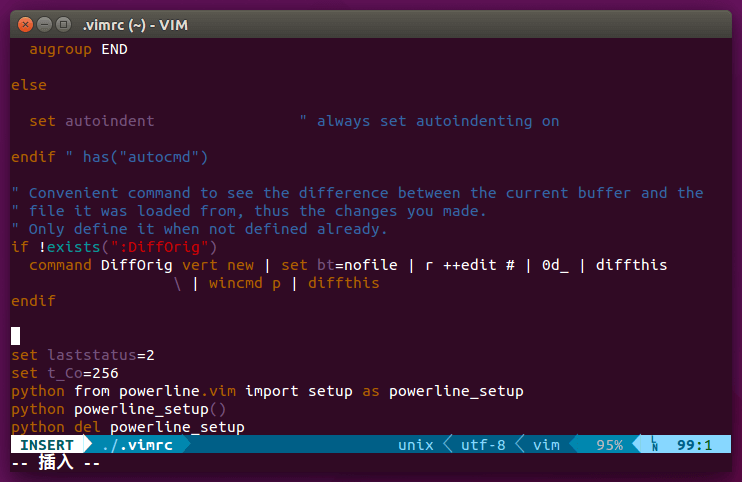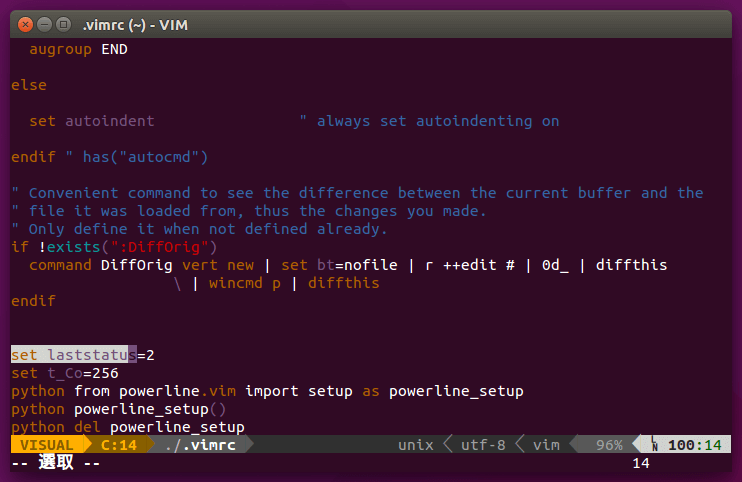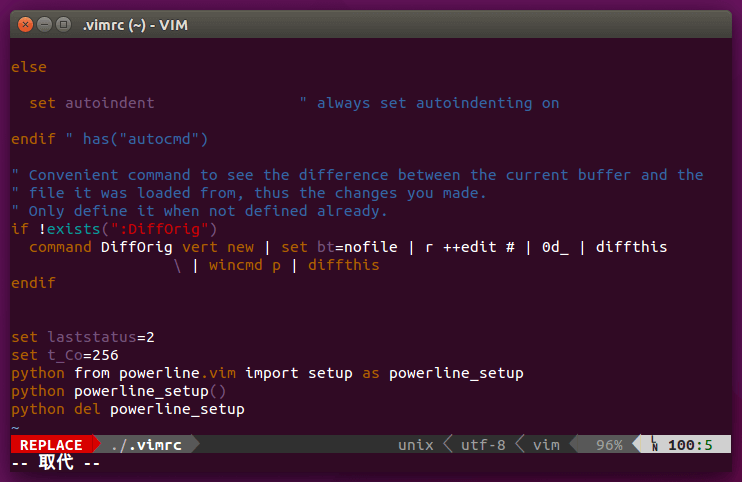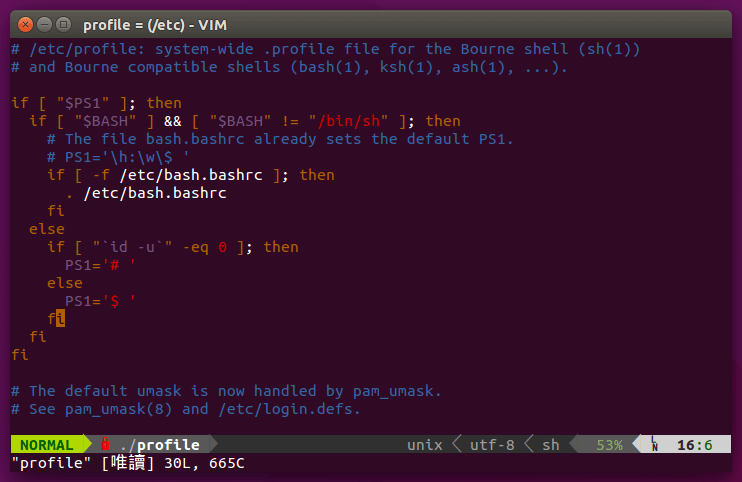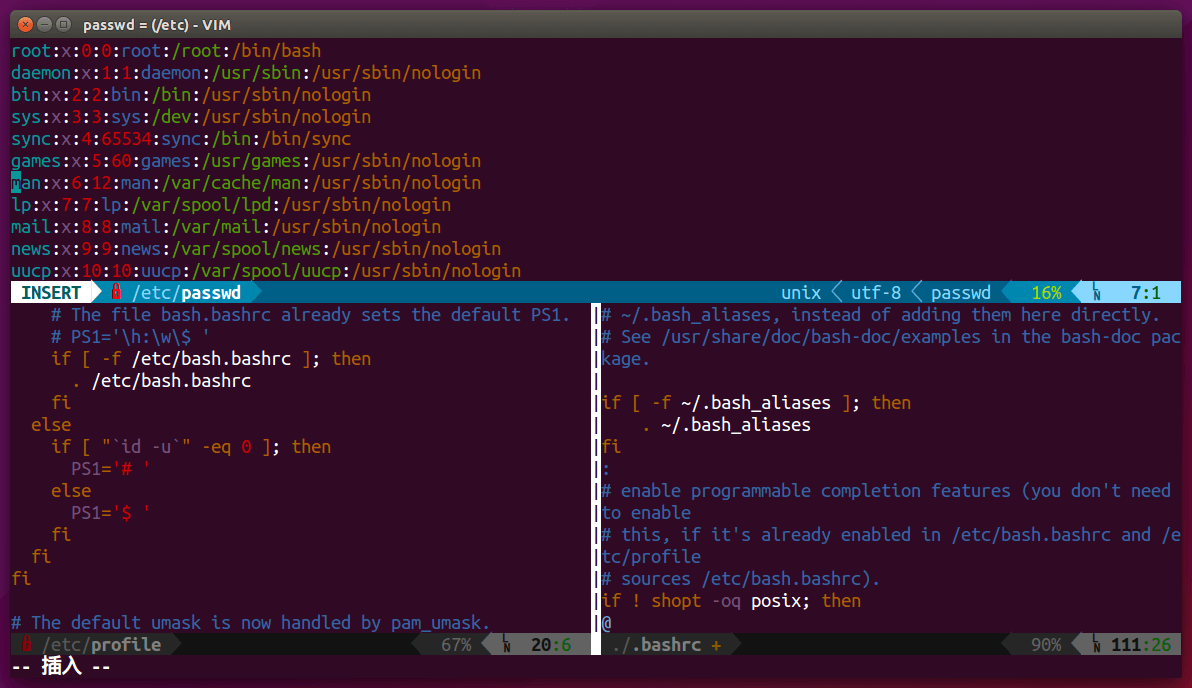
Powerline 是一個 Vim 狀態列與 Shell 命令提示字元的外掛,除了 Vim 之外也可以用於各種 Shell 與應用程式中,如 zsh、bash、tmux、IPython、Awesome 與 Qtile。
Powerline 是使用 Python 所開發的一個外掛小工具,支援各種常見的 Shell 與應用程式,可以產生非常漂亮的提示字串與狀態列文字,讓終端機的文字看起來更舒服。
安裝 Powerline
Powerline 在使用前需要進行一些安裝步驟。
自動安裝
如果您是使用 Ubuntu Linux 14.10 以後的版本,建議可以直接使用 universe repository 所打包好的套件自動安裝:
sudo apt-get install powerline
只要執行這一行就裝好了。
手動安裝
Step 1
首先安裝 Python 的 pip 與 git,若是 Debian 系列的 Linux(Ubuntu、Mint)則可用 apt 安裝 python-pip 與 git 套件:
sudo apt-get install python-pip git
Red Hat 系列的 Linux(CentOS、RHEL、Fedora),則可使用 yum 安裝:
sudo yum install python-pip git
若是 Fedora Linux 22 以後的版本,則可用 dnf 安裝:
sudo dnf install python-pip git
Step 2
使用 pip 安裝 Powerline:
pip install --user powerline-status
如果要取得最新的開發者版本,可以執行:
pip install --user git+git://github.com/powerline/powerline
Step 3
下載最新的 Powerline 字型以及 fontconfig 字型設定檔:
wget https://github.com/powerline/powerline/raw/develop/font/PowerlineSymbols.otf
wget https://github.com/powerline/powerline/raw/develop/font/10-powerline-symbols.conf
將 PowerlineSymbols.otf 這個字型放進自己的字型目錄:
mv PowerlineSymbols.otf ~/.fonts/
更新字型快取:
fc-cache -vf ~/.fonts/
將字型設定檔放進適當的目錄:
mv 10-powerline-symbols.conf ~/.config/fontconfig/conf.d/
使用 Powerline
以下介紹 Bash Shell 與 Vim 的使用方式,其他的應用可參考 Powerline 官方的說明文件。
Bash Shell
安裝好 Powerline 之後,若要在 Bash Shell 中使用,只要在 ~/.bashrc 中加入下面這段程式碼:
POWERLINE_SCRIPT=/usr/share/powerline/bindings/bash/powerline.sh
if [ -f $POWERLINE_SCRIPT ]; then
  source $POWERLINE_SCRIPT
fi
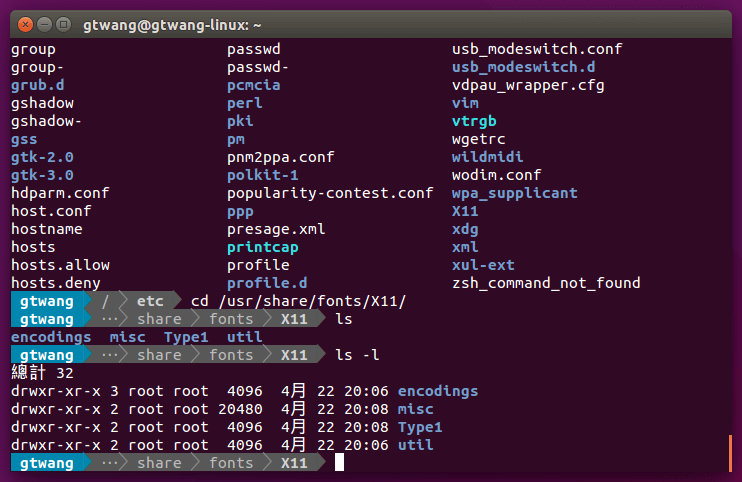
然後再關閉終端機,重新開啟(或是登出再登入)後就可以看到 Powerline 的效果了。
Vim
若要在 Vim 的狀態列中使用 Powerline,則在 ~/.vimrc 中加入這幾行:
set laststatus=2
set t_Co=256
python from powerline.vim import setup as powerline_setup
python powerline_setup()
python del powerline_setup
使用 Powerline 的效果會像這樣: