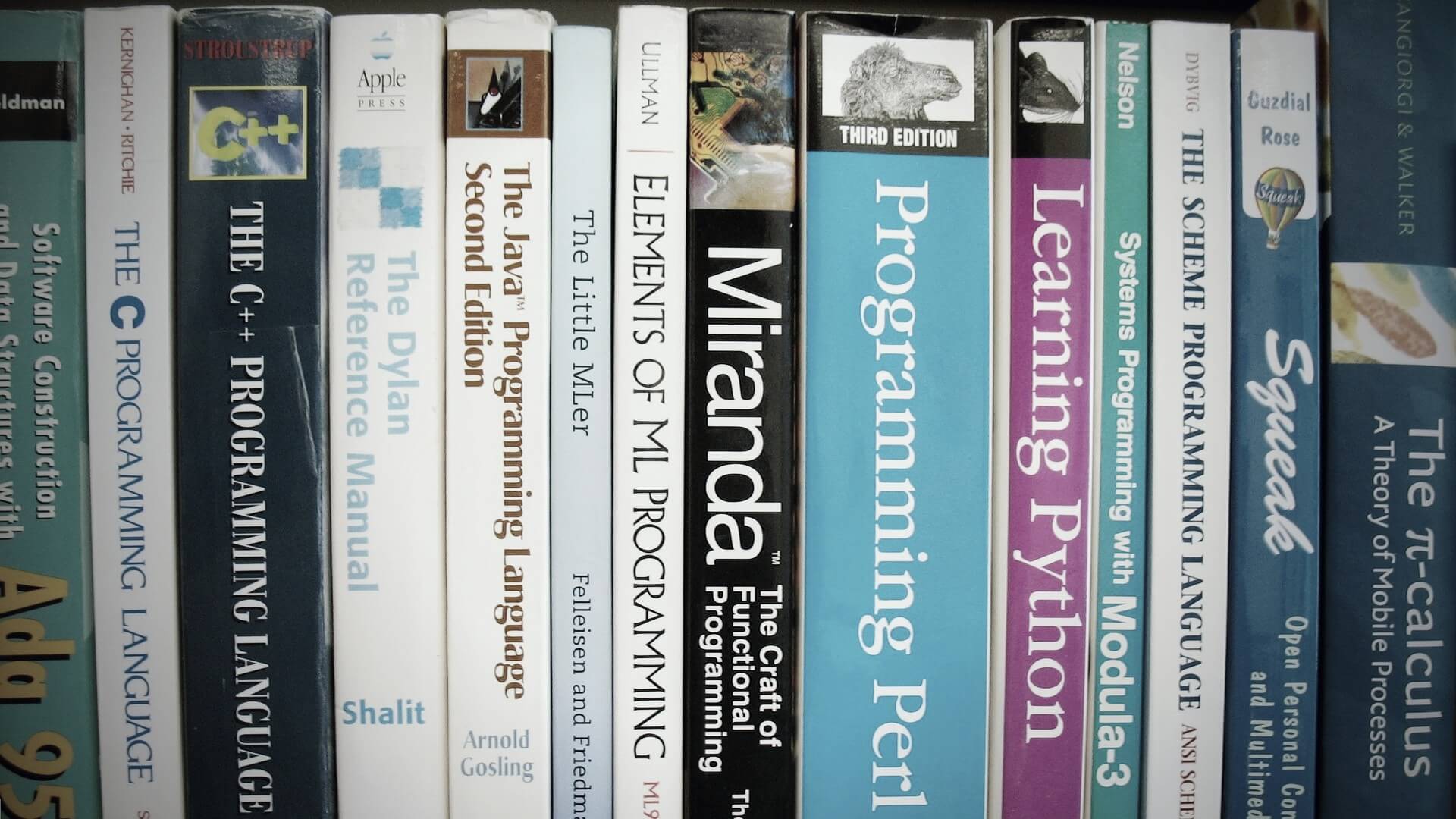
CentOS Linux 7 自行編譯與安裝 GCC 6 編譯器教學
這裡介紹在 CentOS Linux 7 之下自己載 gcc 6 編譯器原始碼、編譯與安裝的過程。 gcc 是 Linux 系統上最常被使用的編譯器,而 CentOS Linux 7.2 中的 gcc 版本比較舊: gcc -v Using built-in specs. COLLECT_GCC=gcc COLLECT_LTO_WRAPPER=/usr/libexec/gcc/x86_64-redhat-linux/4.8.5/lto-wrapper Target: x86_64-redhat-linux Configured with: ../configure --prefix=/usr --mandir=/usr/share/man --infodir=/usr/share/info --with-bugurl=http://bugzilla.redhat.com/bugzilla --enable-bootstrap --enable-shared --enable-threads=posix --enable-checking=release --with-system-zlib --enable-__cxa_atexit --disable-libunwind-exceptions --enable-gnu-unique-object --enable-linker-build-id --with-linker-hash-style=gnu --enable-languages=c,c++,objc,obj-c++,java,fortran,ada,go,lto --enable-plugin --enable-initfini-array --disable-libgcj --with-isl=/builddir/build/BUILD/gcc-4.8.5-20150702/obj-x86_64-redhat-linux/isl-install --with-cloog=/builddir/build/BUILD/gcc-4.8.5-20150702/obj-x86_64-redhat-linux/cloog-install --enable-gnu-indirect-function --with-tune=generic --with-arch_32=x86-64 --build=x86_64-redhat-linux Thread model: posix gcc version 4.8.5 20150623 (Red Hat 4.8.5-4) (GCC) 如果想要使用比較新的功能,就會有問題。以下是自己下載 gcc 6.3.0 原始碼來編譯與安裝的過程。 ...